Is Your AI Product Photo Accurate Enough to Sell?
By the ORA Lab team · Updated 6 August 2026 · 9 min read
Key takeaways
- A beautiful AI product image can still be a commercial liability: if the generated photo shows a different product than the one delivered, you own the returns, the reviews, and the trust damage.
- The most common fidelity failures are changed stone counts, drifted metal and fabric colours, altered proportions, and invented details, and they're easy to miss at thumbnail size.
- Accuracy problems are structural, not random: general-purpose models regenerate products from learned averages rather than preserving the specific item.
- Commerce-grade systems solve this by conditioning generation on the source product's geometry and materials, so the scene changes but the product cannot.
- Five-minute test before trusting any tool: generate your most complex SKU three times and compare stone counts, colour, proportions, and detail against the source photo at full zoom.
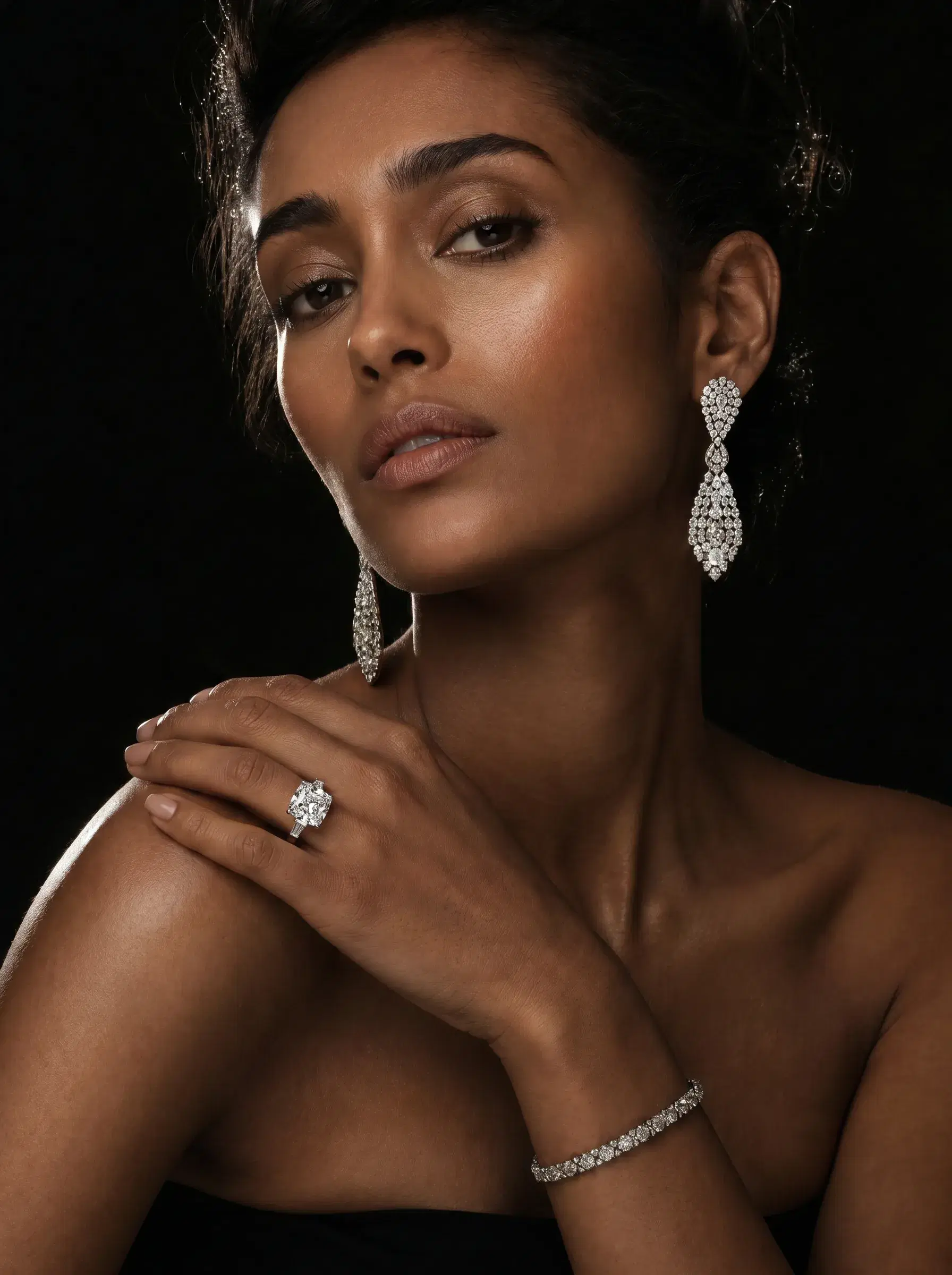
There's a moment every brand hits about a week into experimenting with AI product photography. The outputs look spectacular, better lighting than your last shoot, scenes you could never have afforded, and then someone on the team zooms in and goes quiet. The ring in the render has five prongs. The one in the vault has six.
Nothing about the image looks wrong. That's precisely the problem. AI-generated product photography fails differently from bad photography: a blurry photo announces itself, while an inaccurate render looks perfect and lies. This article is about that gap, why it happens, what it costs, and how to test for it before a single image reaches your storefront.
Accuracy is a commercial requirement, not a quality preference
Product imagery is a representation the customer relies on to buy. That's true legally, misrepresented goods are grounds for returns and complaints in essentially every market, and it's true behaviourally: a customer who receives something visibly different from the photo doesn't file the difference under 'AI quirk'. They file it under 'this brand lied to me', leave the review, and never come back.
- Returns: the direct cost, a customer ordered what they saw, and what they saw doesn't exist.
- Marketplace risk: Amazon, Flipkart, Myntra and the rest hold sellers responsible for image accuracy regardless of how images were produced.
- Review damage: 'product doesn't match photos' is one of the most conversion-killing phrases a listing can accumulate.
- Brand erosion: for luxury goods especially, the entire premise is precision. An inaccurate render undermines the one thing the price tag promises.
The four ways AI product photos go wrong
1. Counting failures
Stones in a pavé band, links in a chain, buttons on a cushion, slats on a chair back, anything that repeats is at risk. Generative models are notoriously weak at exact counts because they learn textures and patterns, not inventories. A five-stone band becoming four is the canonical jewellery failure; its furniture cousin is the six-slat headboard rendered with seven.
2. Colour drift
Rose gold slides toward yellow. Champagne diamonds turn white. A teal velvet reads petrol in one render and peacock in the next. Colour is where scene lighting and product truth collide, a warm candlelit scene *should* warm the highlights, but the underlying material colour must survive. Models without material grounding re-interpret colour per scene instead of preserving it.
3. Proportion and scale shifts
The pendant that renders 20% larger against the model's neckline than it hangs in life. The 1.8-metre sofa that reads like a loveseat in the generated room. Nothing is 'wrong' with the image, but the buyer forms a size expectation the physical product will contradict, and size disappointment is a leading cause of returns in both our categories.
4. Invented and deleted detail
Engraving that vanishes. A clasp mechanism replaced by a generic one. Stitching patterns 'improved' by the model. Meenakari work on the reverse of a kundan piece simplified to a smear of colour. Generative models are trained to produce plausible detail, and plausible is the enemy of specific.
Why this happens: averages versus anchors
General-purpose image models don't edit your product photo, they regenerate the scene from learned statistical patterns, using your image as a strong suggestion. Ask for 'this ring on a model at golden hour' and the model produces its best statistical guess at a ring like yours in that scene. For most of the image, statistical guessing is exactly what you want: skin, fabric, light, marble. For the product, it's fatal, because your SKU isn't an average, it's a specific object with a specific stone map.
Commerce-grade systems invert the architecture. Product properties, geometry, stone count and placement, material and finish, are extracted from the source image and injected as hard constraints the generator cannot override. In our own stack this is the core of ORA's product-fidelity research: identity embeddings that stay locked while everything contextual regenerates freely. The practical result is a division of labour, the scene is invented, the product is preserved.
The five-minute fidelity test
You don't need a research team to evaluate a tool. You need your hardest SKU and a zoom button.
- 1.Pick the SKU most likely to break: multi-stone, patterned, engraved, or asymmetric. Never test with a plain band or a solid-colour cube sofa, everything passes on easy products.
- 2.Generate the same product three times in three different scenes.
- 3.Count everything countable in each output, stones, prongs, links, buttons, slats, against the source photo.
- 4.Check colour at 100% zoom against the source, in each scene's lighting.
- 5.Compare proportions: overlay or eyeball the product's aspect ratio against the source; on model shots, sanity-check scale against anatomy.
- 6.Look for invented detail: anything present in the render you can't find in the source.
- 7.If all three generations pass, scale the test to twenty SKUs before you trust the tool with a catalog.
What to do with imperfect tools
If you're already invested in a tool that fails some of these tests, triage by risk. Use it freely where fidelity stakes are low: backgrounds, banners, mood imagery where the product is small in frame. Route high-stakes imagery, detail pages, marketplace listings, anything a buyer will zoom, through either real photography or a fidelity-anchored system. And put a human accuracy check in the workflow for anything customer-facing: thirty seconds per image of counting and colour-checking is cheap insurance against a returns problem.
The honest close: accuracy is the dividing line in this market. Tools compete on scene beauty because it demos well, but scenes were never the hard part, your product surviving the generation is. Test for that first, and the rest of the evaluation gets much simpler. If you want to run the five-minute test against our output, and bring the SKU you think will break it, the pavé band, the kundan choker, the striped upholstery. That's the test we built for.
Frequently asked questions
- How do I check if an AI product photo is accurate?
- Generate your most complex SKU three times in different scenes, then compare each output against the source photo at full zoom: count repeating elements (stones, links, buttons), verify material colour under each scene's lighting, check proportions, and look for invented or missing details. Intermittent failures are common, which is why one generation isn't enough.
- Why do AI tools change product details like stone count or colour?
- General-purpose models regenerate the whole image from learned patterns rather than preserving the specific product, your photo guides the output but doesn't constrain it. Repeating elements and material colours are re-guessed per generation, which is why they drift. Systems built for commerce anchor generation to the source product's geometry and materials instead.
- Am I liable if my AI product image doesn't match the real product?
- Practically, yes, sellers are responsible for accurate product representation regardless of how the imagery was made, both under consumer-protection rules and marketplace policies. The production method is irrelevant; the accuracy standard is the same one that has always applied to retouched photography.
- Which products are hardest for AI to render accurately?
- Anything with countable repeating elements or dense hand-made detail: pavé and multi-stone jewellery, kundan and polki pieces, engraved items, chain-link designs, patterned upholstery, and visible wood grain. These should be your test cases, simple products pass on almost any tool and tell you nothing.
- Can I use AI images for some products and photography for others?
- That's the sensible pattern while evaluating: route low-risk imagery (banners, mood shots, small-in-frame products) through any decent tool, and keep high-zoom customer-facing imagery on either real photography or a fidelity-anchored system until your testing says otherwise.